
Microphone
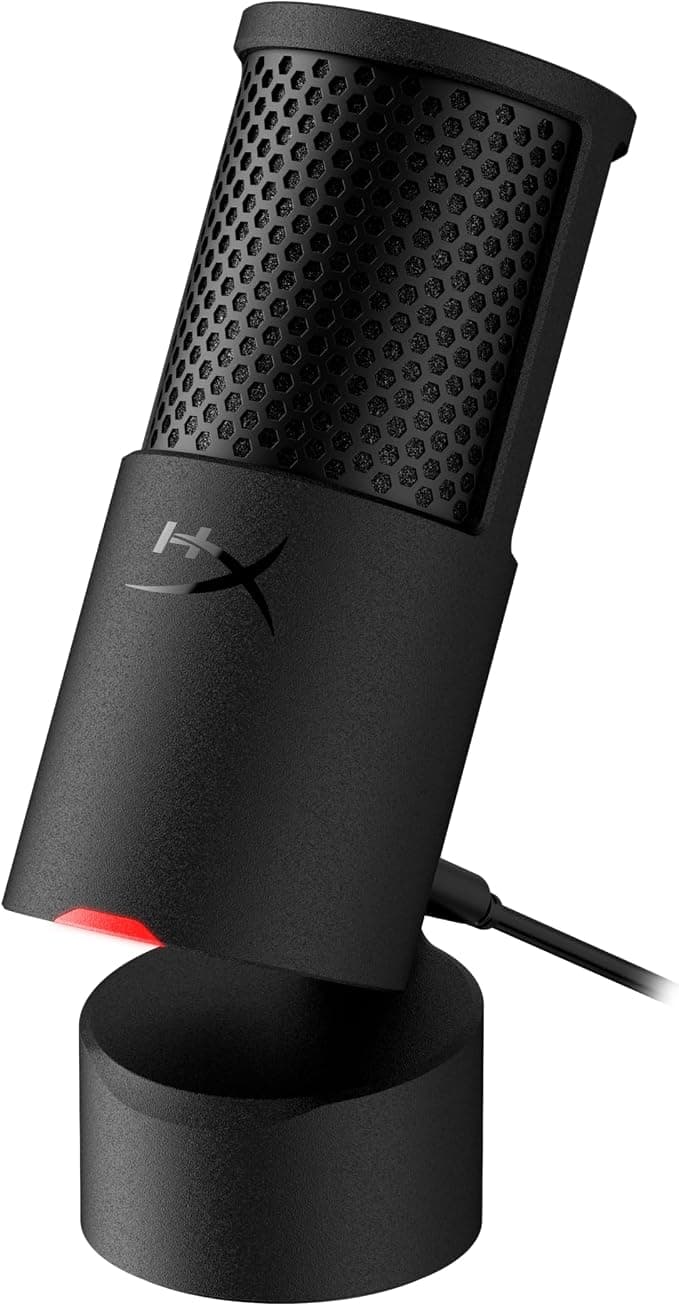
Best budget micHyperX SoloCast 2
USB · plug-and-play · tap to mute
The cheapest mic that still sounds like a real microphone. No RGB, no software to learn — plug it in and you're done.
Usually around ~$45
Check Amazon priceStreaming gear finder
Skip the endless “best gear” lists. Tell us what you stream and what you want to spend—we’ll build a practical setup from trusted, beginner-friendly options.
Quick heads-up: Product buttons are Amazon affiliate links. We may earn a commission at no extra cost to you, and it never changes which gear we recommend.
Starter setup builder
Choose how you stream and what you want to spend. We’ll handle the tradeoffs.
Your recommendation
You play and stream from one computer. Prices are approximate.
Estimated total
~$288
Everything you need is covered. This setup makes strong use of your budget.
Core setup · 3 essentials
Move the budget higher to unlock useful upgrades like a mic arm, second monitor or Stream Deck.
Advertisement
The full catalog
Want more control? Filter by category, compare the “why this pick” notes, and choose each piece yourself. Expensive doesn't automatically mean better for your room or workflow.
Showing 33 items
Microphone
Best budget micUSB · plug-and-play · tap to mute
The cheapest mic that still sounds like a real microphone. No RGB, no software to learn — plug it in and you're done.
Usually around ~$45
Check Amazon priceMicrophone
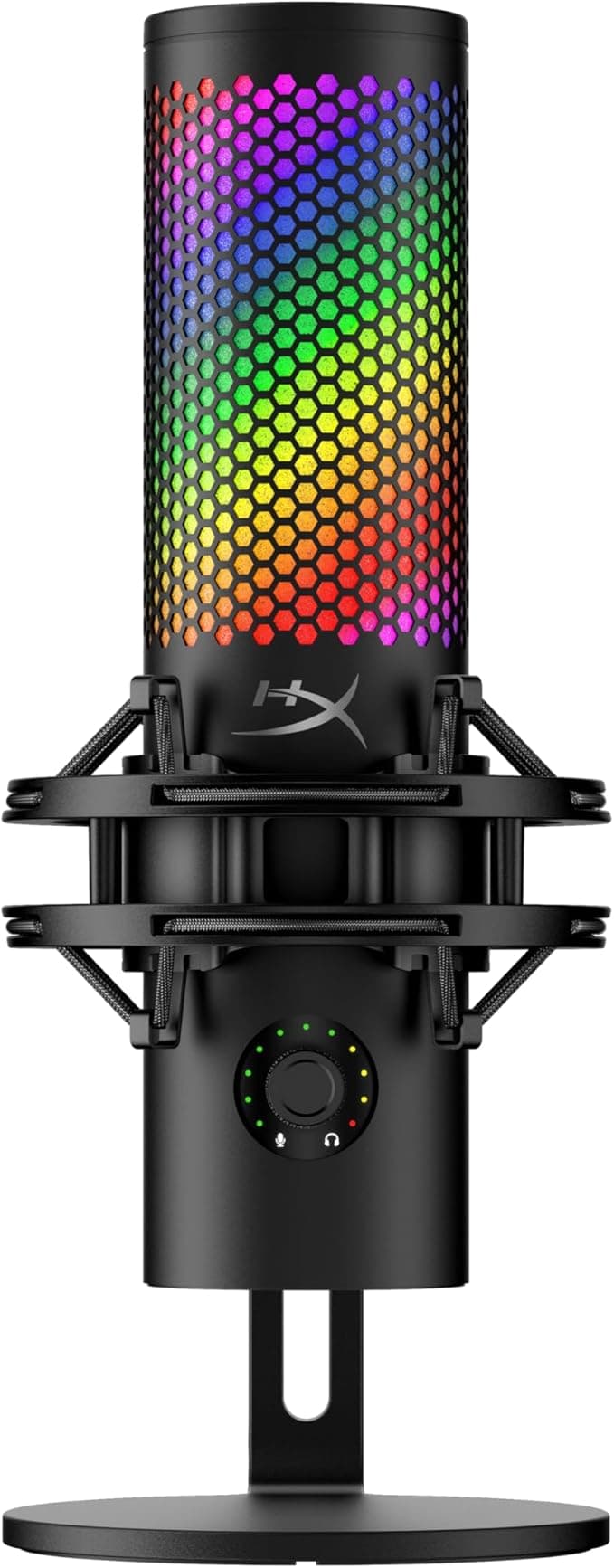
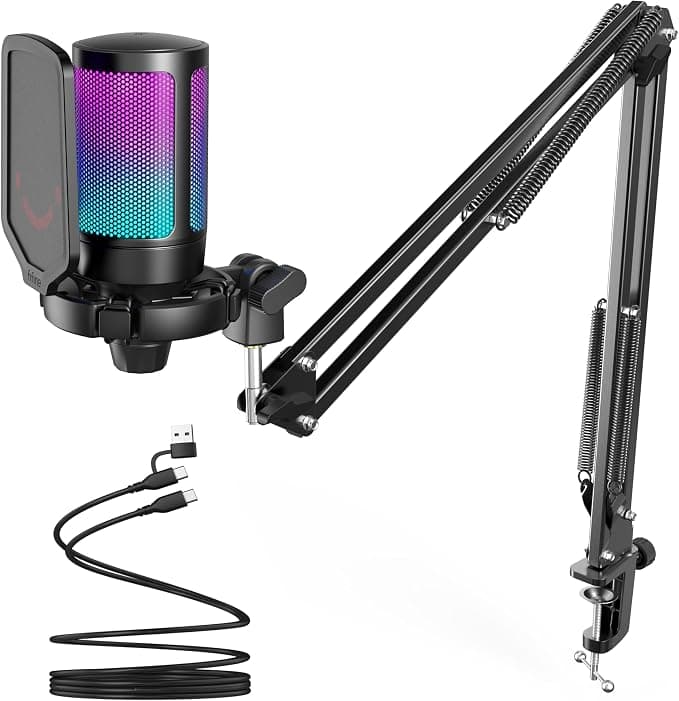
USB · RGB · budget pick
Good sound for the money if you want the lit-up gaming-mic look. Skip it if you'd rather spend the same on plainer, better audio.
Usually around ~$50
Check Amazon priceMicrophone
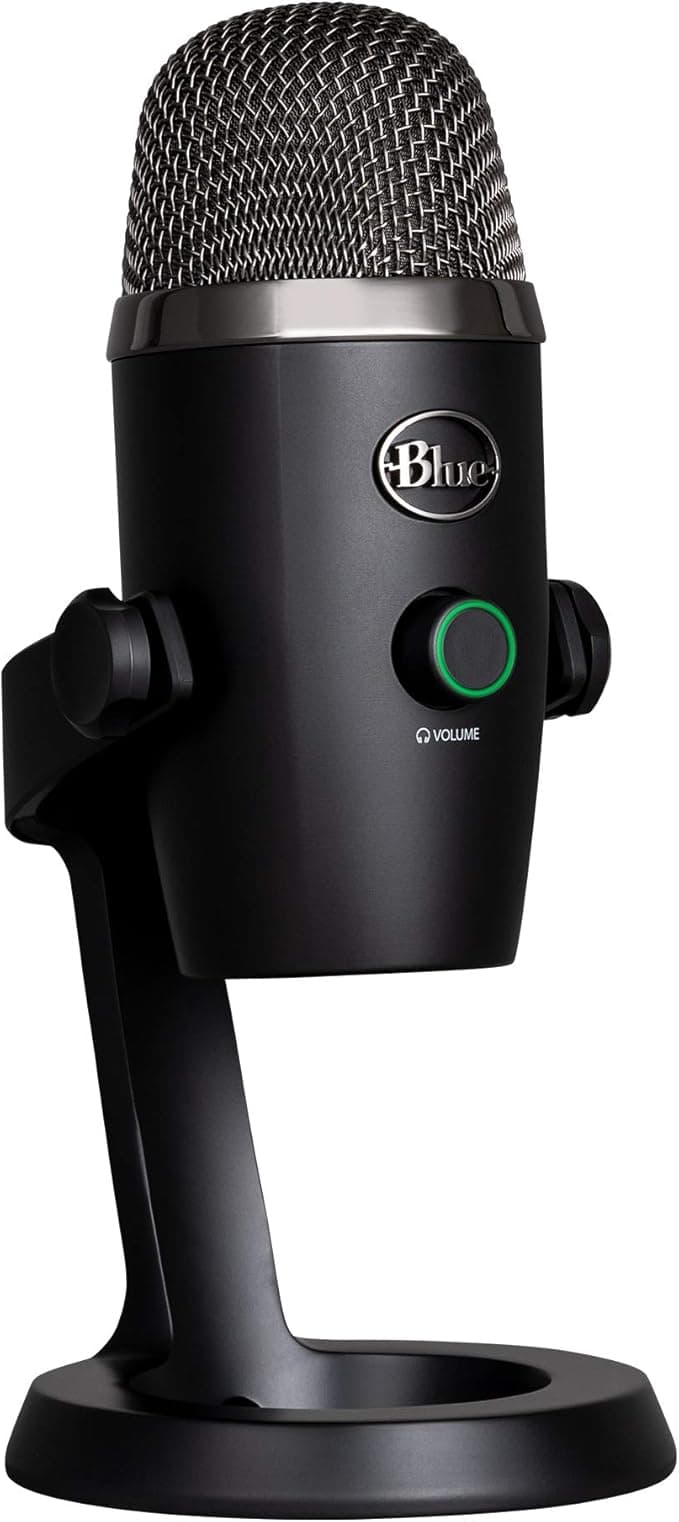
USB · condenser · cardioid + omni
The classic starter mic — sounds great in a quiet, soft-furnished room. It's a condenser, so it will also pick up your keyboard and your neighbour's dog.
Usually around ~$80
Check Amazon priceMicrophone
USB · RGB · built-in shock mount
The mic you've seen on a hundred streams. The built-in shock mount and tap-to-mute genuinely help, and it looks the part on camera.
Usually around ~$116
Check Amazon priceMicrophone
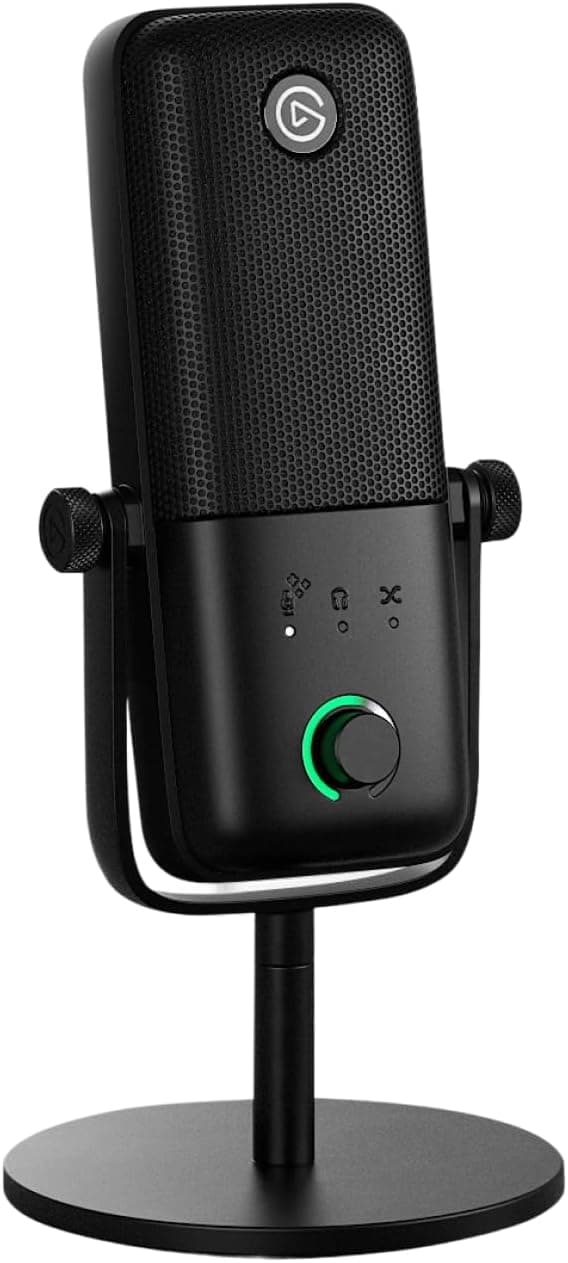
USB · built-in mixing software
Best pick if you already use Stream Deck — its mixing software handles game, chat and mic levels without a hardware mixer.
Usually around ~$170
Check Amazon priceMicrophone
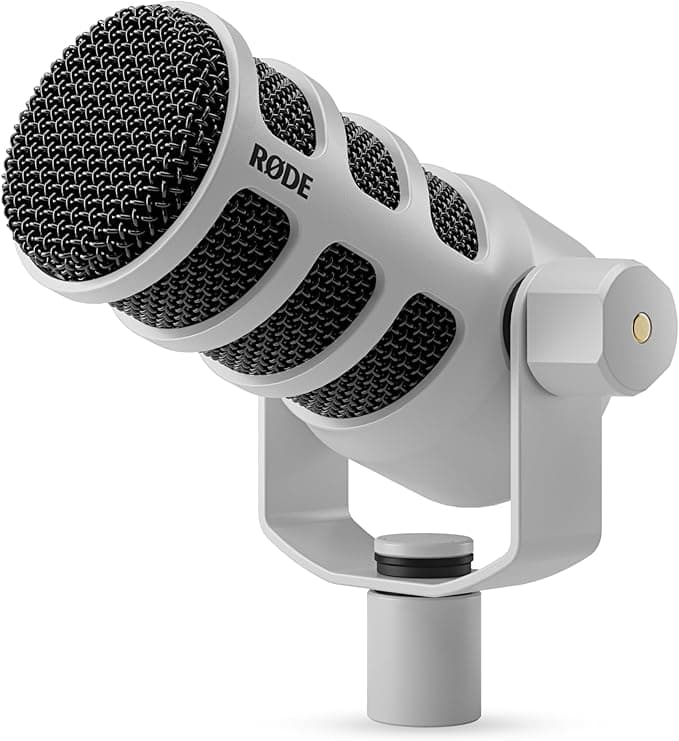
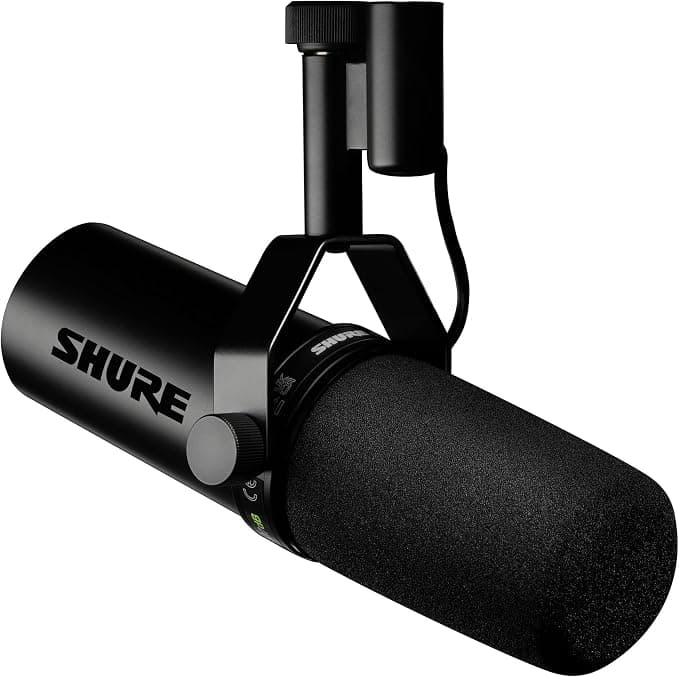
Best long-term micUSB + XLR · dynamic · broadcast sound
The smartest long-term buy here: dynamic, so it ignores room noise, and it runs over USB now but XLR later — you'll never outgrow it.
Usually around ~$189
Check Amazon priceMicrophone
XLR · broadcast standard · preamp built in
The industry-standard SM7B with the preamp built in — that solves the SM7B's notorious problem of being too quiet without a separate Cloudlifter. Still needs an audio interface.
Usually around ~$549
Check Amazon priceAudio Interface
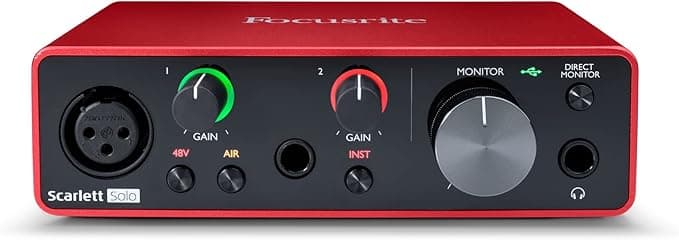
Best starter interface1 XLR input · USB · studio standard
The default first interface. If you bought an XLR mic, this is the cheapest reliable way to actually plug it into your PC.
Usually around ~$120
Check Amazon priceAudio Interface
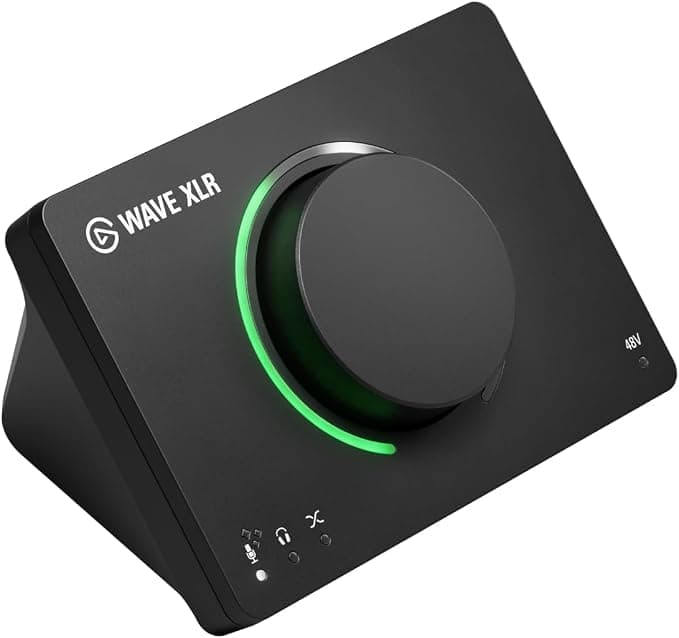
1 XLR · 75dB gain · tap-to-mute
Built for streamers rather than musicians: enough gain for hungry dynamic mics, plus software mixing for game and chat audio.
Usually around ~$170
Check Amazon priceAudio Interface
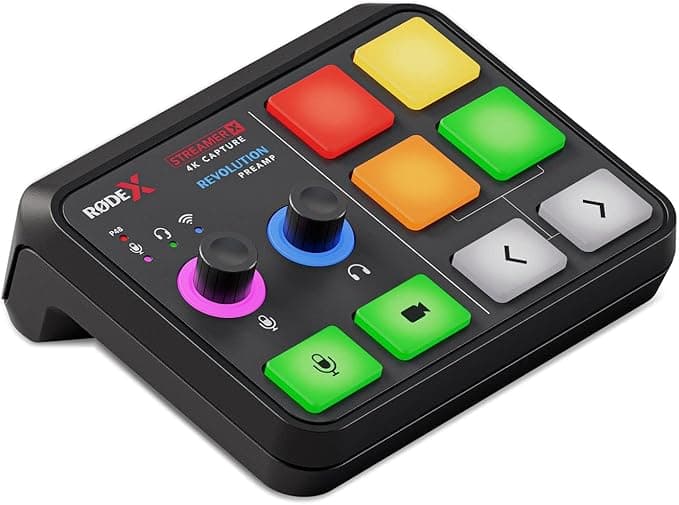
Best console comboAudio interface + 4K capture card in one
Does two jobs at once — mic preamp and console capture card. Cheaper than buying both separately if you need both.
Usually around ~$219
Check Amazon priceCamera
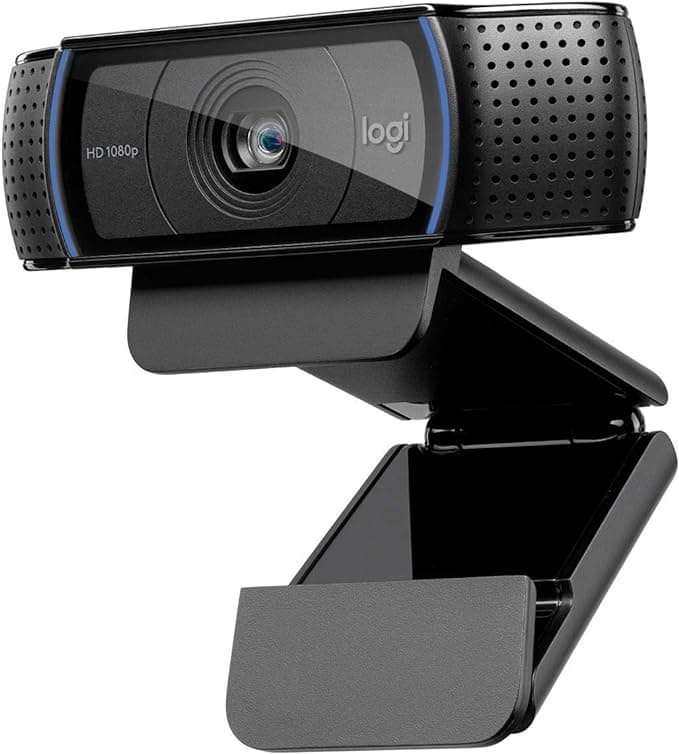
Best budget webcam1080p30 · the reliable classic
A decade old and still the safe budget answer. Works with everything, no drivers, no drama — but it needs decent lighting.
Usually around ~$68
Check Amazon priceCamera
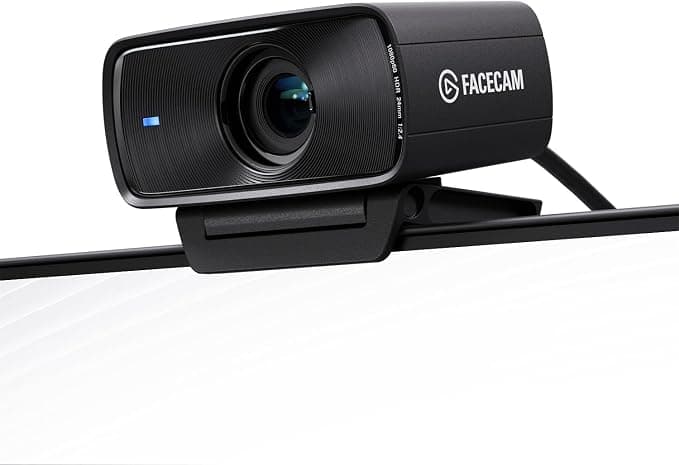
Best overall webcam1080p60 · sharp in low light
Skips autofocus hunting and gives you true 60fps, which looks noticeably smoother than a 30fps cam next to your gameplay.
Usually around ~$140
Check Amazon priceCamera
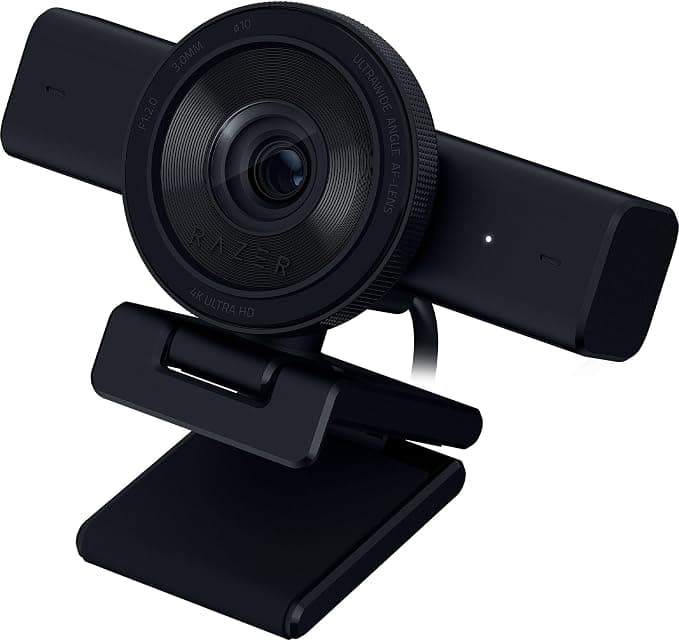
4K30 / 1080p60 · AI auto-framing
Auto-framing keeps you centred if you move around a lot. Good middle option that doesn't need perfect lighting.
Usually around ~$150
Check Amazon priceCamera
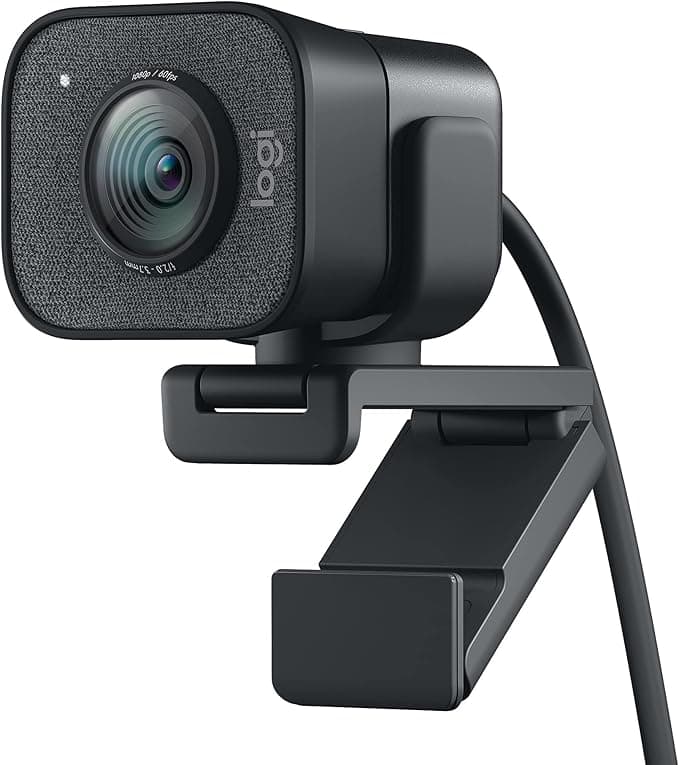
1080p60 · USB-C · vertical mount
Built for streaming specifically — 1080p60 and it rotates to vertical, so the same camera covers your TikTok clips.
Usually around ~$170
Check Amazon priceCamera
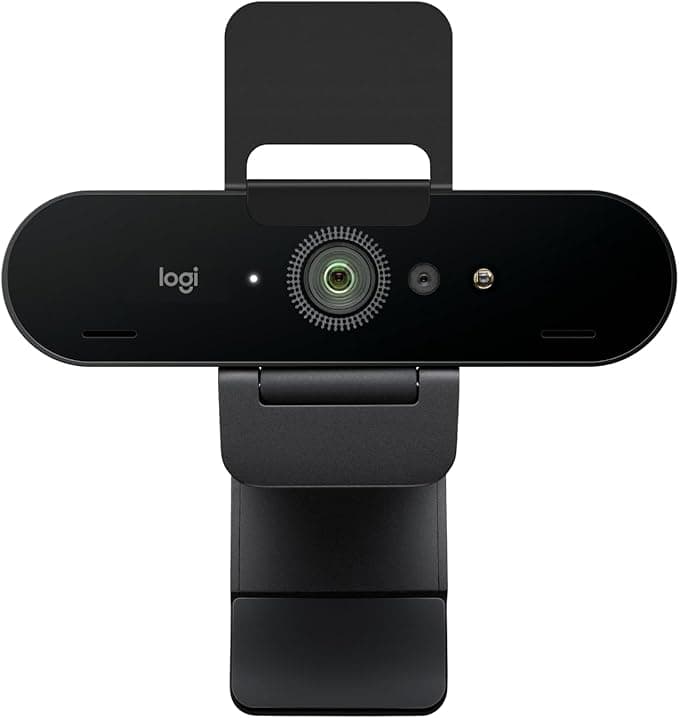
4K · auto light correction
Worth it mainly for its light correction if your room is dim. If you stream at 1080p and have a lamp, save the money.
Usually around ~$170
Check Amazon priceCamera
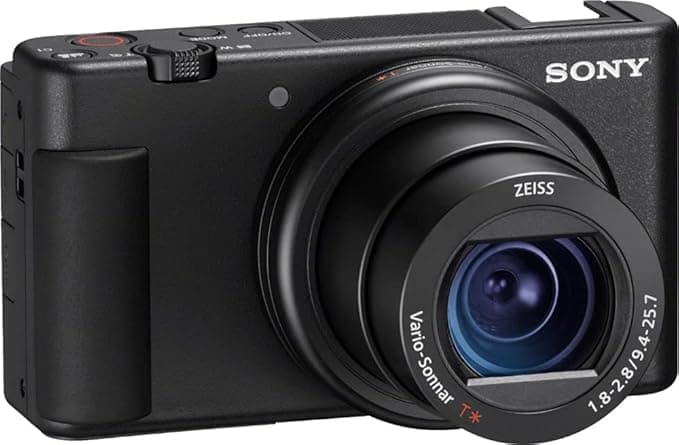
Mirrorless · gorgeous background blur
The blurred-background look no webcam can fake. Overkill unless facecam quality is your whole brand — and you may need a capture card.
Usually around ~$719
Check Amazon priceCapture Card
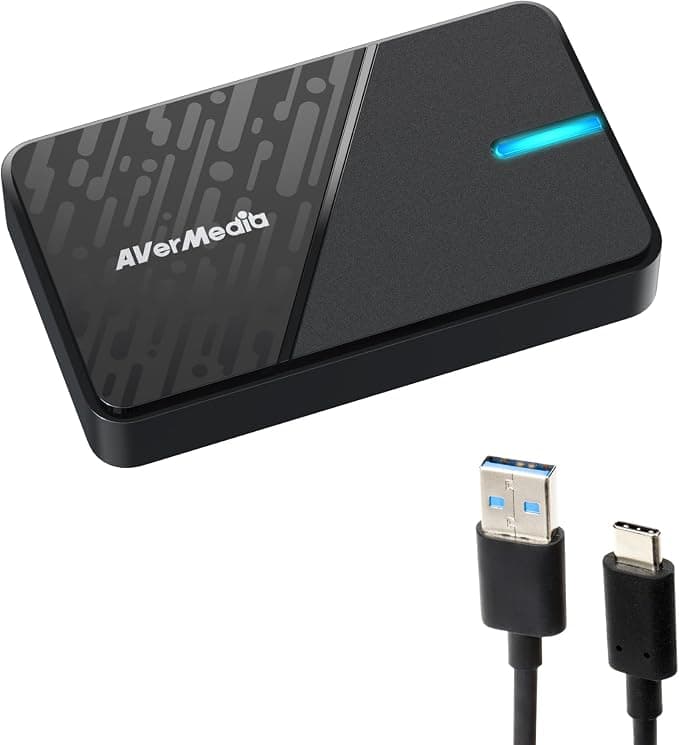
1080p60 · budget console capture
Cheapest way to get a console onto your PC. Fine if you stream at 1080p — it won't pass through 4K120 for your own play.
Usually around ~$60
Check Amazon priceCapture Card
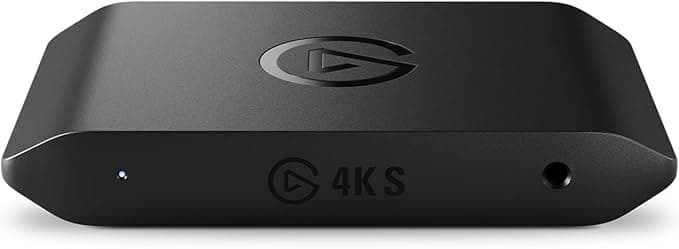
Best console pick4K60 capture · PS5 / Xbox / Switch 2
The safe default for console streaming — 4K60 passthrough so your own gameplay isn't downgraded while you capture.
Usually around ~$140
Check Amazon priceCapture Card
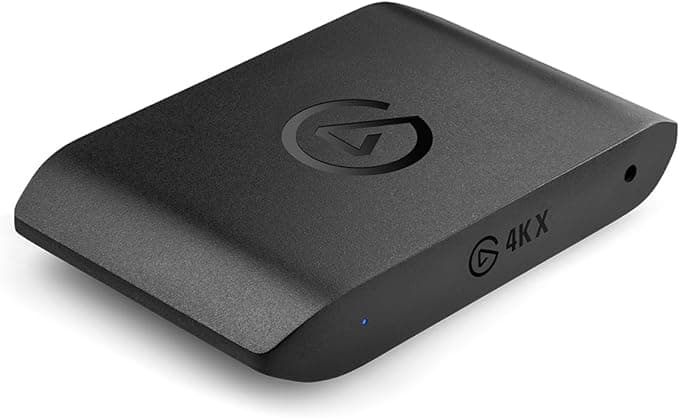
4K120 · VRR · future-proof
Only worth it if you actually game at 4K120 or with VRR and refuse to compromise your own experience to stream.
Usually around ~$250
Check Amazon priceLighting
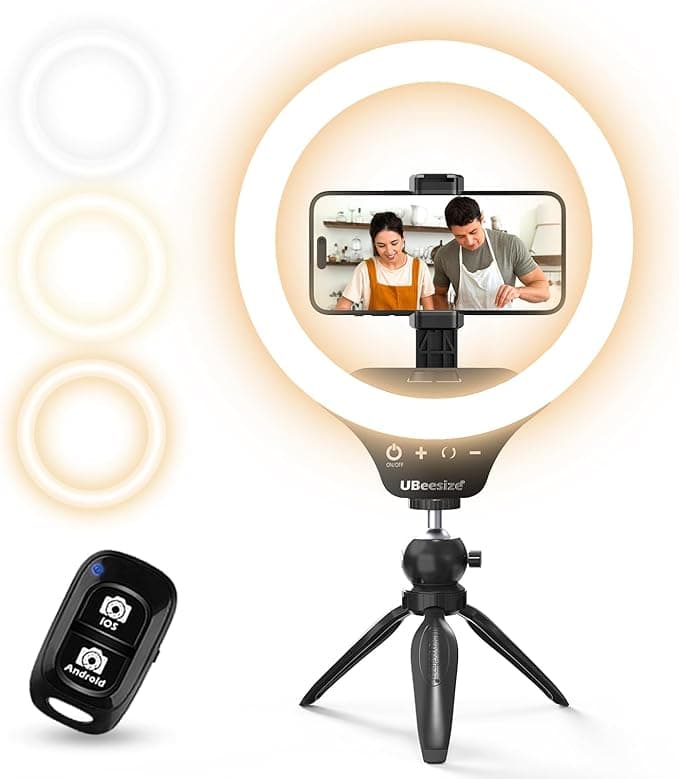
Best first upgradeClip-on · cheap face light
The single highest-impact $25 you can spend. A cheap webcam in good light beats an expensive one in the dark.
Usually around ~$24
Check Amazon priceLighting
Adjustable · app-controlled
Softer and far less harsh than a ring light, and you can dim it from your phone or Stream Deck mid-stream.
Usually around ~$88
Check Amazon priceLighting
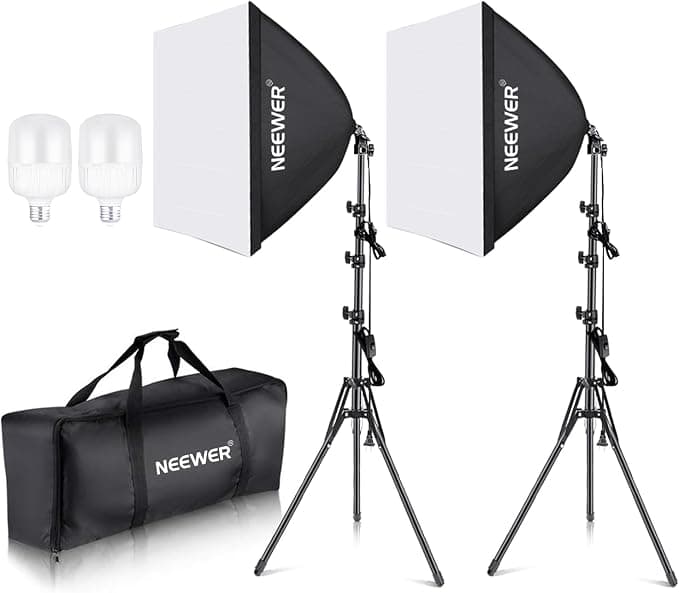
2-pack · soft even light
Best light per dollar if you have the floor space — two-point lighting looks properly professional. Bulky on a small desk.
Usually around ~$108
Check Amazon priceMonitor
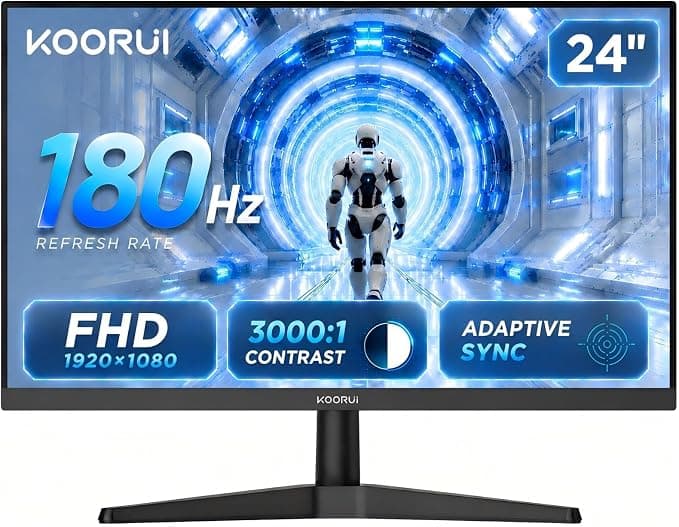
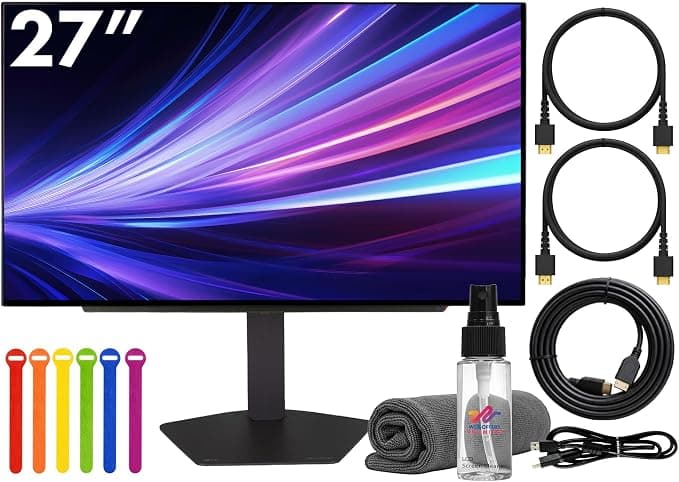
Best chat monitorVA · 180Hz · budget esports pick
A cheap second monitor for chat and OBS is a bigger upgrade than most gear on this page. 180Hz is a bonus.
Usually around ~$90
Check Amazon priceMonitor
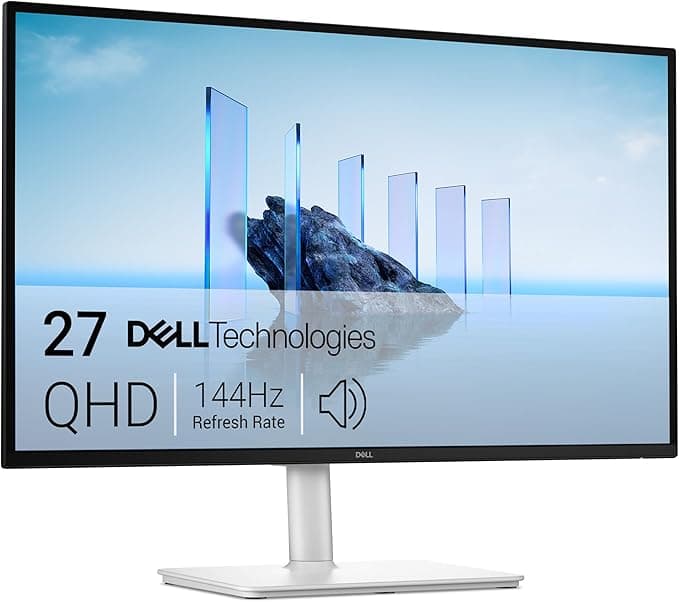
QHD · 144Hz · sharp all-rounder
The sweet spot for a main monitor — QHD is noticeably sharper than 1080p without the GPU cost of 4K.
Usually around ~$190
Check Amazon priceMonitor
OLED · 240Hz · endgame glow
Pure luxury — beautiful for you, invisible to your viewers, since your stream gets compressed to 1080p anyway.
Usually around ~$520
Check Amazon priceAccessory
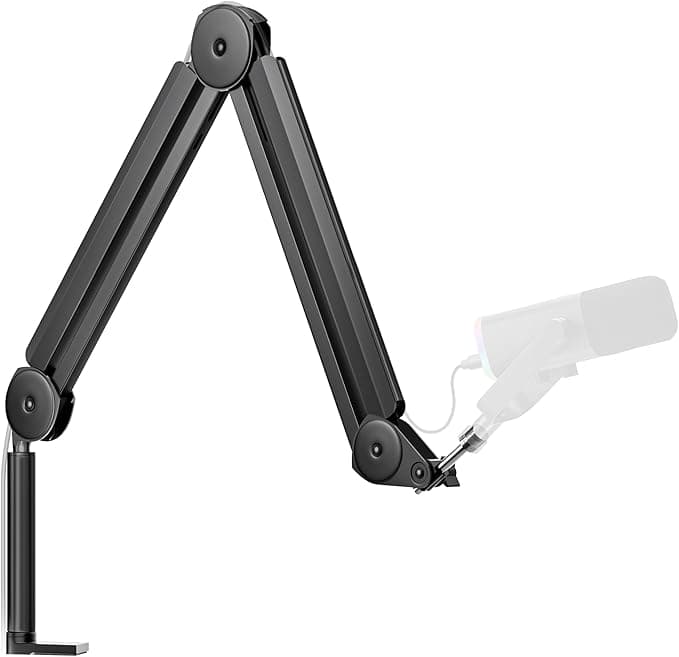
Best budget mic armClamp-on · fits most USB mics
Gets the mic close to your mouth and off your desk, which kills keyboard thumps. Cheapest real audio upgrade after the mic itself.
Usually around ~$40
Check Amazon priceAccessory
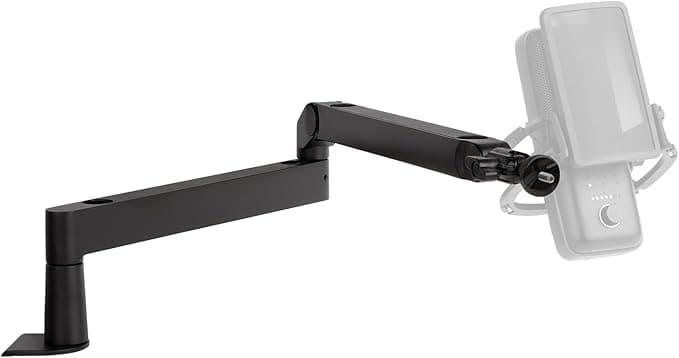
Low-profile · stays out of frame
Sits low and horizontal so it doesn't cut across your face on camera. Worth it if you show your face; overkill if you don't.
Usually around ~$90
Check Amazon priceAccessory
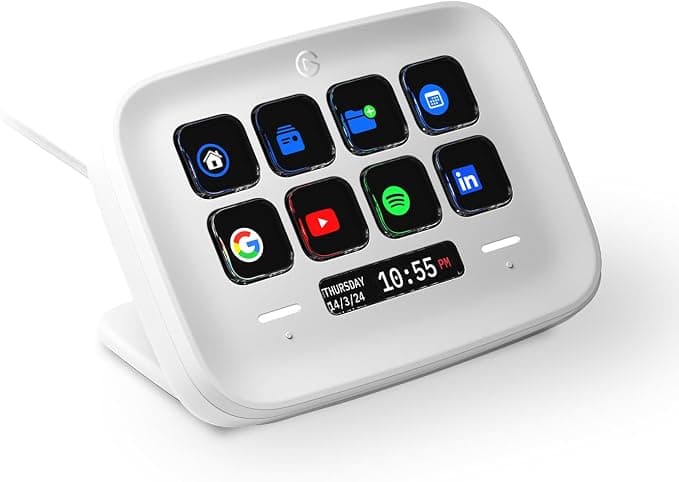
Best first Stream Deck8 LCD keys · scenes & sounds
One button to switch scenes beats alt-tabbing mid-stream. Eight keys is genuinely enough when you're starting out.
Usually around ~$95
Check Amazon priceAccessory
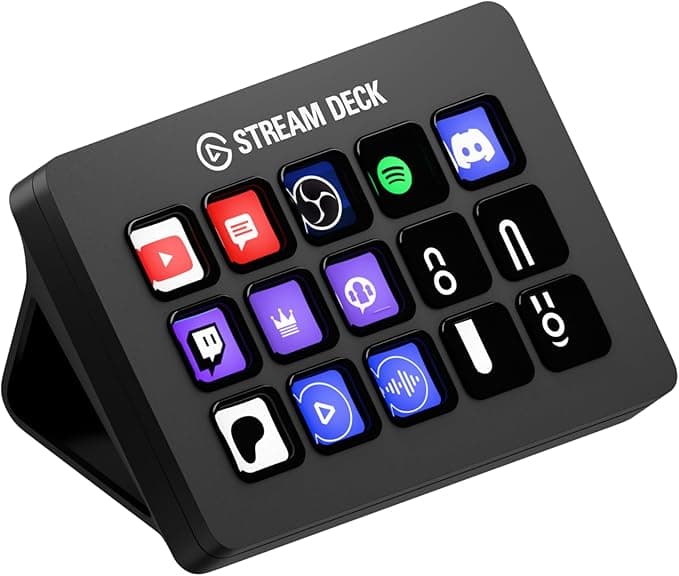
15 LCD keys · the classic
The 15-key version, for when you've outgrown eight buttons of scenes, sounds and mutes.
Usually around ~$135
Check Amazon priceAccessory
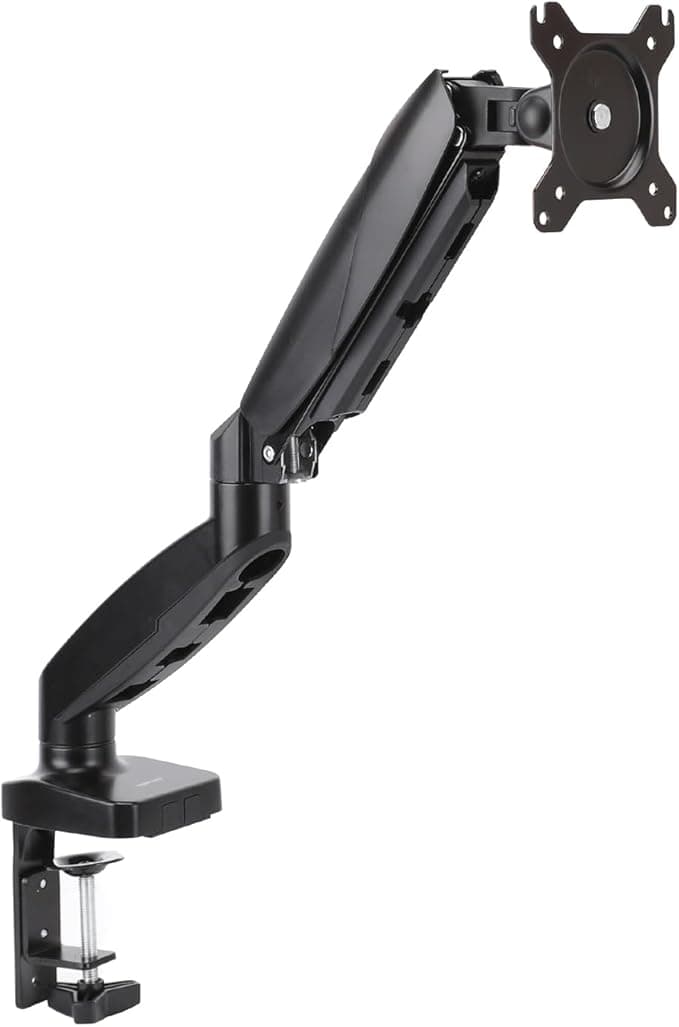
Single arm · frees desk space
Reclaims the desk space your monitor stand wastes — which is usually where the mic arm needs to clamp.
Usually around ~$30
Check Amazon priceAccessory
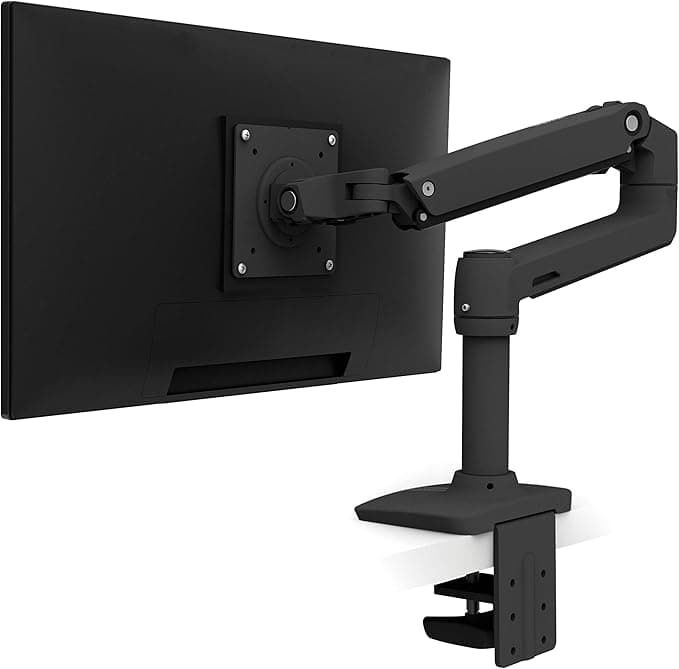
Buttery smooth · 10-yr warranty
The one that actually holds position for years instead of slowly drooping. Buy once if you reposition constantly.
Usually around ~$220
Check Amazon priceAccessory
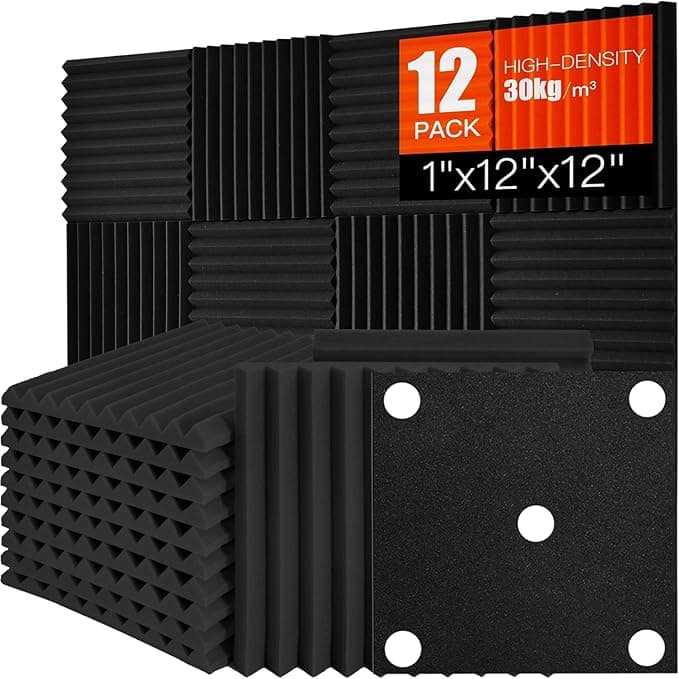
Tames echo · peel-and-stick
Fixes the hollow, echoey sound of a bare room for the price of lunch. A rug and curtains do much the same job.
Usually around ~$15
Check Amazon priceAccessory
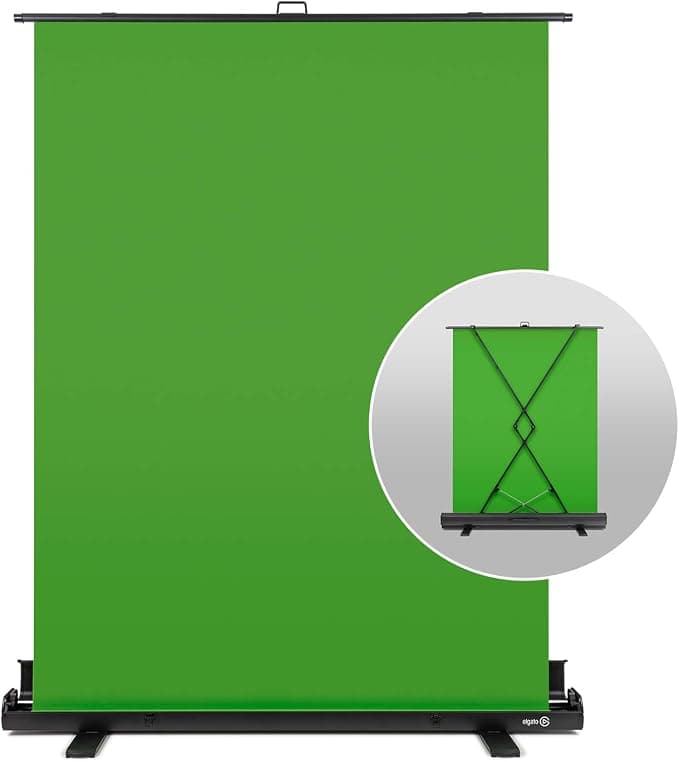
Pop-up · chroma key ready
Collapses into its own case, so it isn't permanently in your room. Only worth it once your gameplay needs the screen space.
Usually around ~$150
Check Amazon priceSome links on this page are affiliate links — if you buy through them, BeginStreaming may earn a small commission at no extra cost to you. It's how we keep the tools free. Prices are approximate and change over time.